Arch Linux from Scratch
The Unix philosophy is a system design approach that advocates for minimalist, modular software built from small, composable tools that each perform a single task well. Doug McIlroy, who ran the Bell Labs group where Unix grew up, compressed it into a rule that fits on a sticky note: write programs that do one thing and do it well, and write programs that work together.
Most Linux distributions treat that philosophy as history. A graphical installer asks a few questions, makes sensible decisions on your behalf, and delivers a working desktop in twenty minutes. It works. It also teaches you nothing about the machine you are now using.
Arch Linux boots its installation medium to a shell prompt and points you at a wiki. You are the installer, assembling the system by chaining together the same small tools it will one day run: fdisk, mount, pacstrap, systemctl.
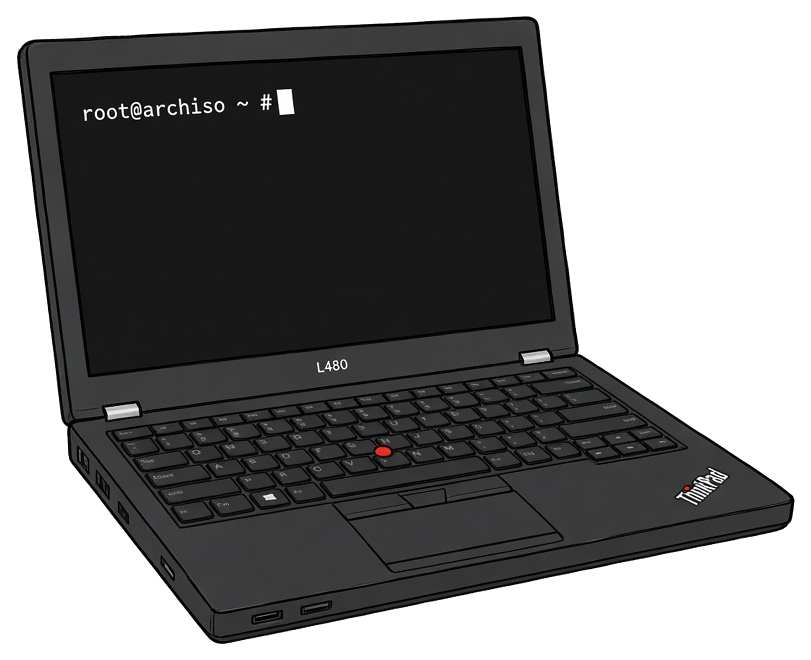
Arch’s minimalism has a practical payoff. I installed it on a $200 refurbished ThinkPad L480, and a base Arch system is light enough that decade-old business hardware runs a fully current OS without complaint. The base install is small because it barely exists: a shell and a few hundred small tools, each doing one job.
A Shell and Nothing Else
The live environment greets you with a root prompt and a short list of hints. My first instinct was to look around, so I ran lsblk, which lists the block devices attached to the machine. There was my SSD, empty. Everything the finished system would become had to come out of that prompt.
Slicing the Disk
Modern machines partition disks with a GPT partition table. I gave mine an EFI System Partition for boot files, a root partition, and swap, then formatted and mounted them:
mkfs.fat -F 32 /dev/nvme0n1p1
mkfs.ext4 /dev/nvme0n1p2
mkswap /dev/nvme0n1p3
swapon /dev/nvme0n1p3
mount /dev/nvme0n1p2 /mnt
mkdir /mnt/boot
mount /dev/nvme0n1p1 /mnt/boot
Mounting is the first genuinely strange thing the install asks of a beginner. Linux exposes storage as one tree, so my soon-to-be root partition had to hang at /mnt, with the boot partition inside it at /mnt/boot. The mount command attaches a filesystem to a directory, and mkdir shows that nothing is assumed: even the boot directory had to be made by hand before anything could live in it. By the last command, the entire future system existed as a folder on the live USB.
The fstab step is where composition clicked for me. genfstab inspects the mounted filesystems and prints the lines the future system will need, and the » operator appends that output directly into place:
genfstab -U /mnt >> /mnt/etc/fstab
One tool’s output became another file’s contents. The -U flag makes the entries use UUIDs, identifiers stamped into each filesystem, because device names like /dev/nvme0n1p2 can change between boots and a UUID never will.
The Kernel Is a Package
One command installs the base system into /mnt:
pacstrap /mnt base linux linux-firmware
Among the packages is the kernel itself: a file called vmlinuz-linux sitting in /boot. A file. The heart of the operating system, installed like any other package.
That raised a question I had never thought to ask. How does that file become a running machine on power-up? The install walks you through the whole answer, one link at a time.
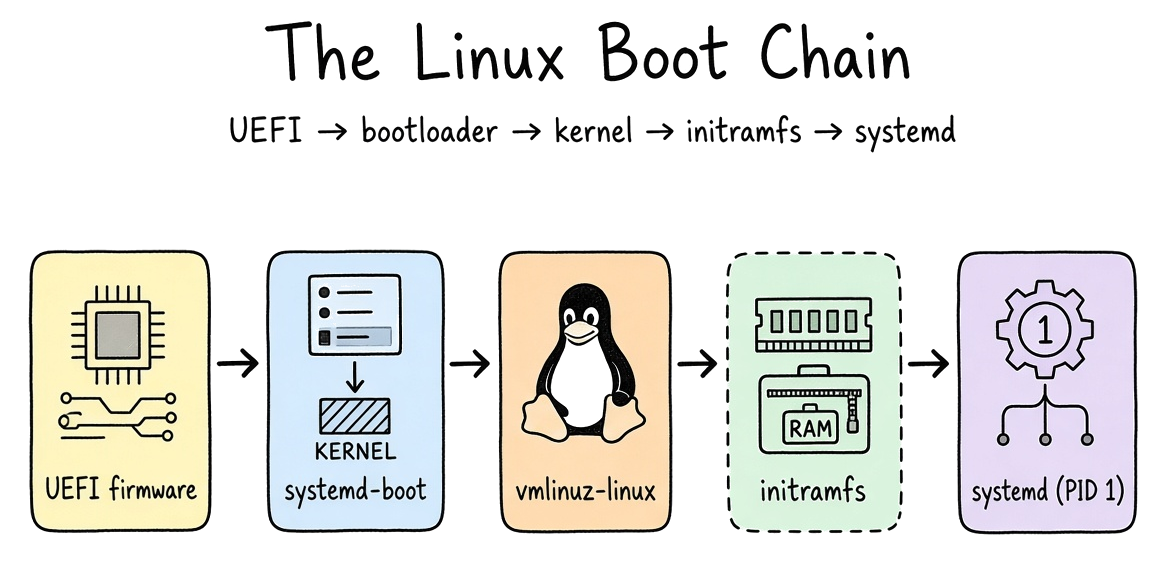
UEFI firmware. On power-up, the code burned into the motherboard initializes the hardware and scans for an EFI System Partition containing bootloader files. Modern firmware can also verify cryptographic signatures before running boot code, a chain of trust anchored in the hardware called Secure Boot. When I ran bootctl install, it copied the bootloader into the ESP and registered a boot entry in the firmware’s own memory. The motherboard now knew where to look.
Bootloader. I chose systemd-boot, which is small by design. Its single job is to load the kernel into memory and start it with one critical argument: which partition holds the root filesystem. One tool, one task.
Kernel. vmlinuz-linux is a compressed kernel image. Once the bootloader hands over control, it decompresses and probes the hardware, and from that moment it owns every cycle of the CPU and every byte of memory. The rest of the operating system is processes it schedules.
initramfs. The initramfs exists to solve a chicken-and-egg problem I had never known about. The kernel needs a driver to read the root filesystem, and the driver lives on the root filesystem. So mkinitcpio builds a miniature root filesystem in RAM, carrying just enough modules to find the real root and hand it over. Running mkinitcpio -P compressed that temporary operating system into a single file in /boot, where it waits to be inflated into memory seconds after every future power button press.
systemd. With the real root mounted, the kernel starts exactly one process: systemd, PID 1. Every process on the finished system, my shell included, is its descendant. It reads /etc/fstab and mounts everything else. It follows the symlinks that systemctl enable creates to decide which services come up. Old-school Unix hands call systemd the install’s great heresy: one project that is also the system logger and the device manager. I chose it anyway, and so does nearly every Linux distribution shipping today. The boot chain ends at a login prompt, and the login prompt is just another service.
Working Inside an Unbooted System
All configuration happens through one command:
arch-chroot /mnt
The name is literal: change root. It shifts the apparent root directory for the shell and everything it launches. One command, and I was inside the new system, editing its files and running its tools while borrowing the live USB’s kernel to do it. The machine had never booted, and I was already its administrator.
The same move is how professionals rescue a broken Linux box. Boot any live USB, chroot into the installed system, rerun the bootloader install, fix the bad config file, reboot. Installing and repairing turn out to be the same operation seen from two directions.
Everything Is a File
Configuring the system meant editing plain text. The hostname is a single line in /etc/hostname. The active locales are lines uncommented in /etc/locale.gen. All of it sat readable in /etc, with no registry database standing between me and the settings. Everything I changed, I read first.
Networking was the same story: iwctl brought the Wi-Fi up from the shell, and enabling NetworkManager with systemctl kept it that way across reboots.
The Desktop Is Optional
The finished base system boots to a login prompt and a shell, and that is a complete Linux system. Everything graphical is an add-on, installed in layers: a display server such as Wayland, a display manager to handle logins, and a desktop environment or window manager on top. My part was choosing packages and running systemctl enable on the display manager, which creates the symlink systemd follows at every boot.
What the Philosophy Bought Me
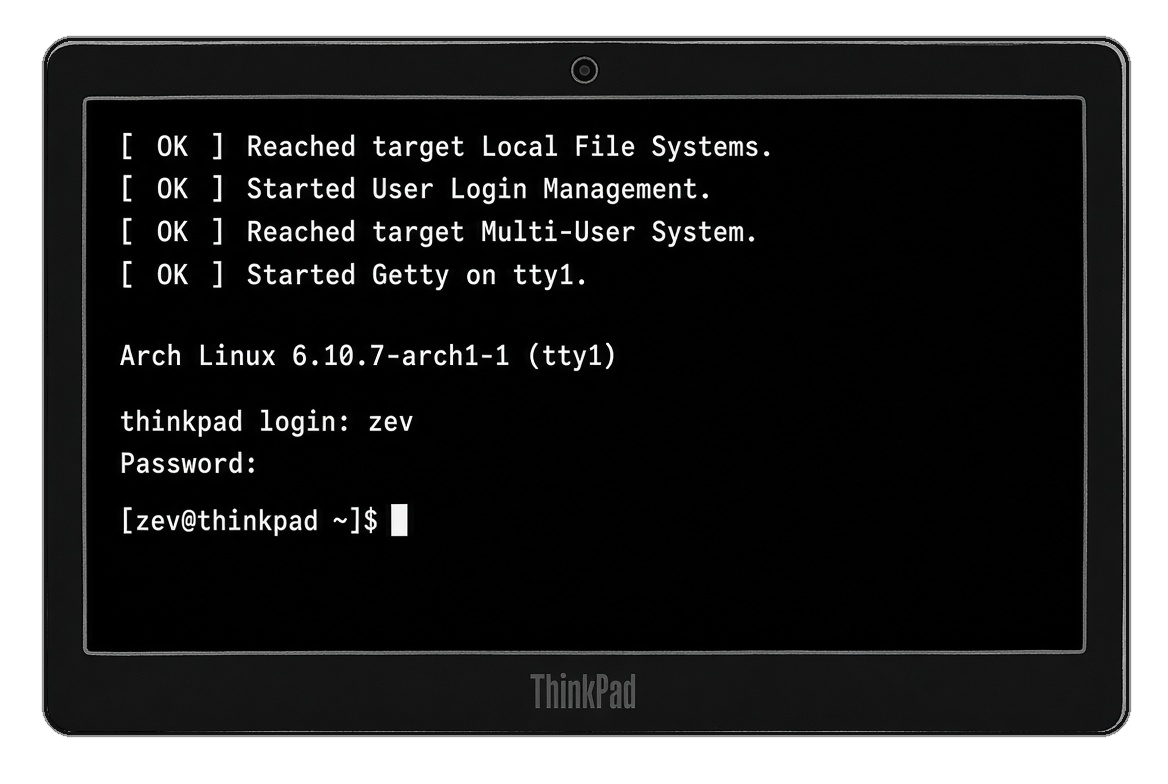
The first reboot is the exam. The firmware found the bootloader, the bootloader found the kernel, the kernel inflated its initramfs, systemd read my fstab, and a login prompt appeared on a machine that had been an empty disk that morning. I had assembled every link, so none of it was magic anymore.
The Unix philosophy is usually taught as history. Installing Arch taught me it as a working method. Every tool did one thing and handed its output to the next: genfstab wrote my fstab, arch-chroot put me inside an unbooted machine. When something eventually breaks, the failure will have an address, and it will be a text file I can open or a service I can query with systemctl status. A base Arch install is a few gigabytes. The knowledge it leaves behind is the actual product, and the $200 ThinkPad runs it with room to spare.